
Resolution
What is the difference between large format printers versus plotters?
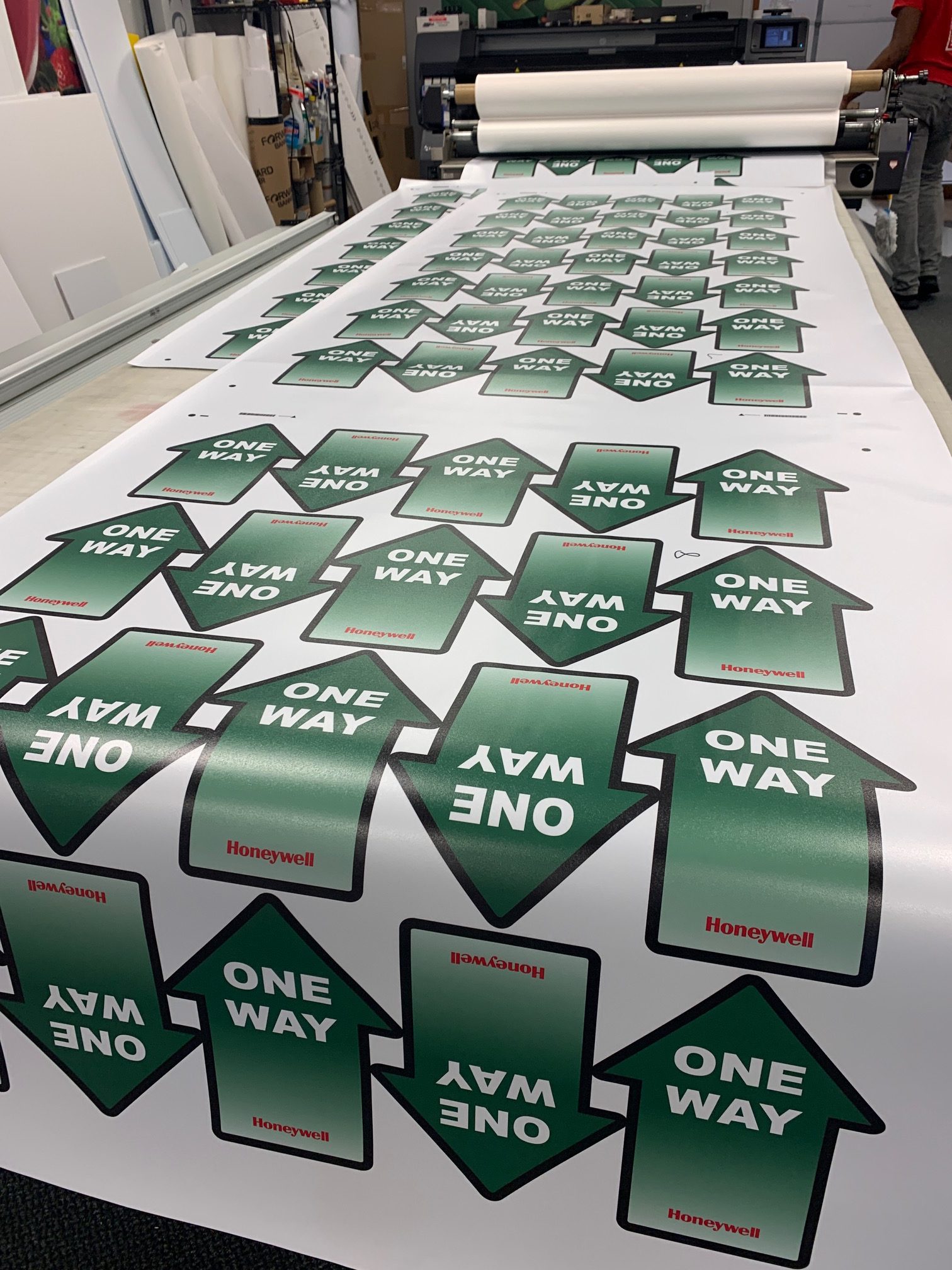
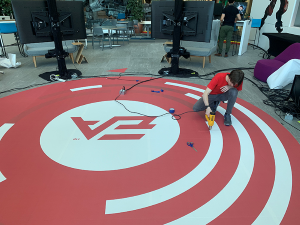
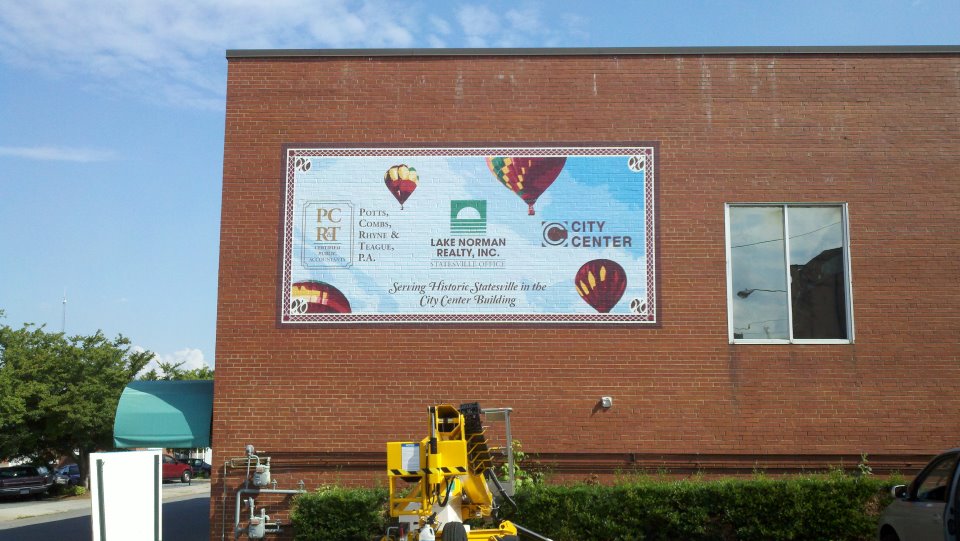
SpeedPro starts off where most print shops finish. Of course, we have the ability to print the small-sized graphic requests, we specialize and even prefer to produce large graphics including vehicle wraps, full-color outdoor banners, large format laminated signs, trade show exhibits/displays and much more.
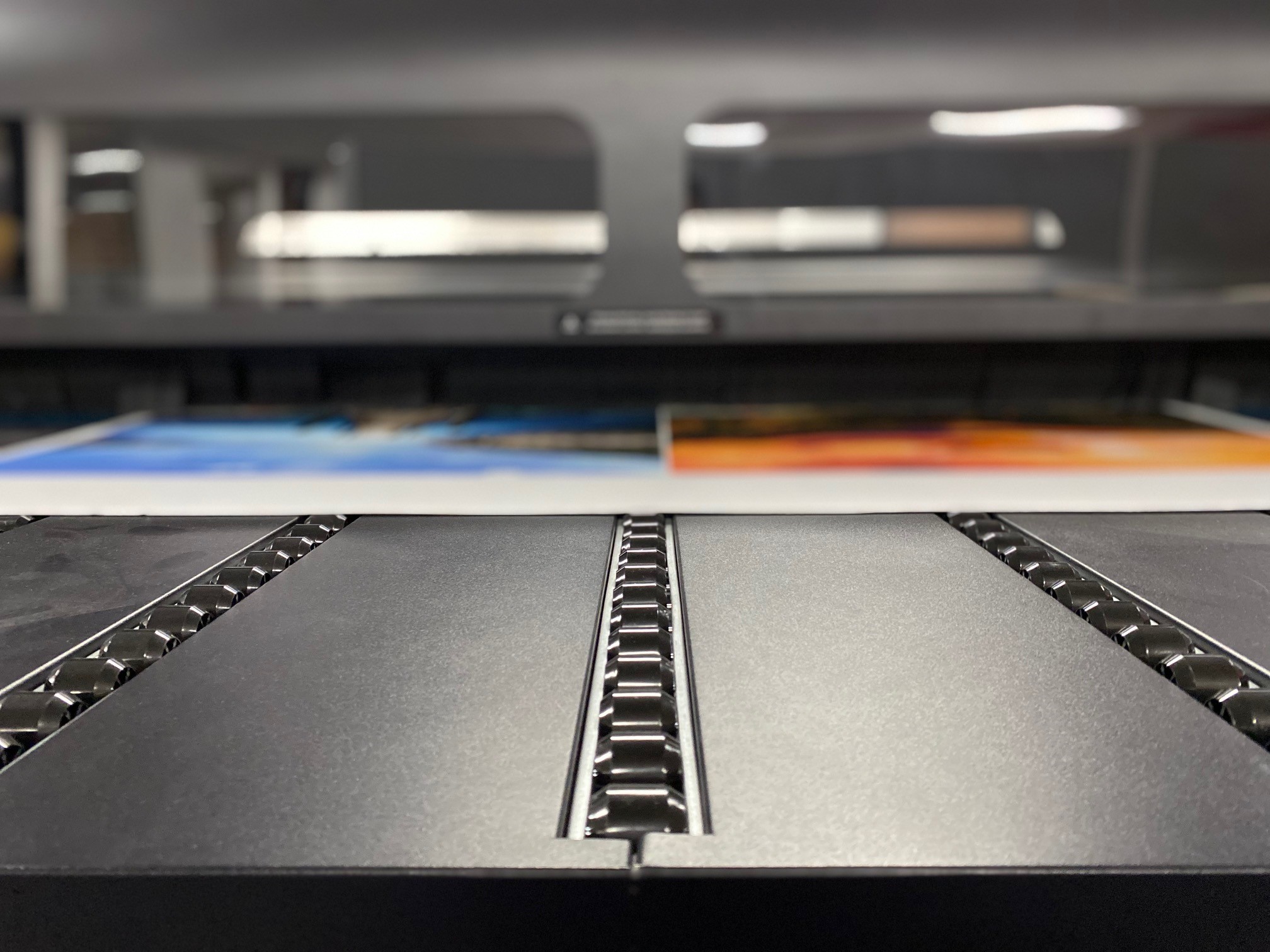
A plotter produces vector graphic drawings. Plotters illustrate lines on paper using an internal pen. Conversely, a traditional printer cannot draw continuous lines, it makes lines out of dots. Furthermore, the main difference between plotters and format printers is the file format used. Plotters use vector graphics, while format printers use raster images, also known as bitmaps or pixels. Vectors create images from point-to-point nodes connected by mathematically determined lines and curves, thus plotters are often better suited for illustrated logos while large format printing is better for photo-realistic images.
To explain further, vector images are line art graphics that will maintain their quality no matter how you resize them, and raster, or bitmap, images are composed of tiny dots that form a larger picture. These images can only stand to be enlarged to a certain size before losing clarity.
Request a QuoteHow does this affect resolution?
Vector images alone or with text can be scaled up to almost any desired size as they are not composed of thousands of small dots like raster art is. However, it is important to point out that image-centric banners are more often made from raster data as raster allows for more resolution detailing and coloration.
For example, if you are creating a graphic banner, SpeedPro advises you to save it as a Vector file. Doing this ensures that the image won’t lose clarity when it is later enlarged. If you’re using a photograph or any type of raster image — including .jpg, .tif and other common file types — make sure the file is not compressed down, and save it with an output resolution between 100 and 200 dots per inch (DPI) at the full image size to ensure optimum clarity. When choosing an image to use, the best option is to have a high-resolution photo taken by a professional photographer. Using images found online can be disastrous because often there is not enough pixel data to create a clear image. A low-resolution image can be enlarged in Photoshop, but this multiplies the pixels around each other, taking each pixel and creating a new pixel next to it that is halfway in color to the next, and on. Website graphics are created at a small resolution in order to reduce bandwidth so that web pages load quickly while still creating an image acceptable on a computer monitor.